




Recommended Software
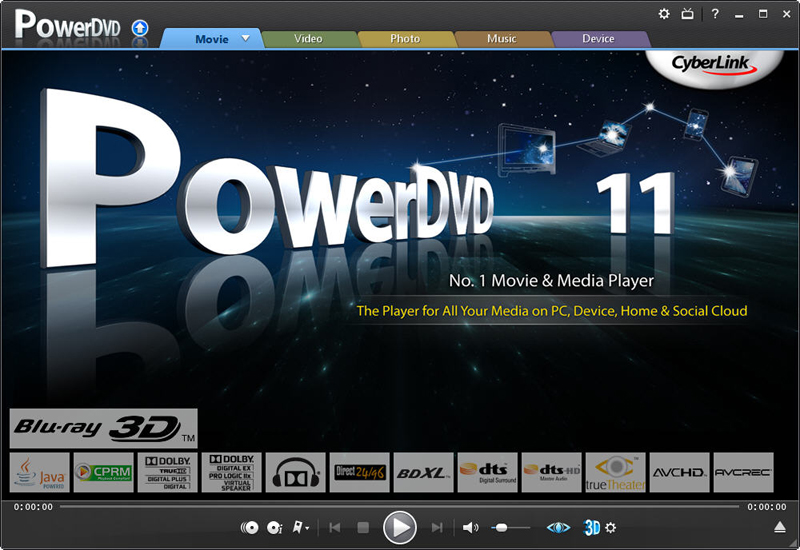
CyberLink PowerDVD 11
PowerDVD 11 is the ultimate universal media and Blu-ray player that extends your viewing experience beyond just movies. Play Blu-ray Discs, DVDs, video files, music, and now you can even view photos, all from one universal player. Stream content from your smart device, DLNA server or cloud to...
DOWNLOADSoftware Catalog
 Android Android |
Business & Productivity Tools |
| Desktop |
Developer Tools |
| Drivers |
Education |
| Games |
Home & Personal |
| Internet & Networking |
Multimedia & Design |
| Operating Systems |
Utilities |


CaptureScreen
CaptureScreen 1.7.3431

Category:
Multimedia & Design / Image Editing
| Author: Patrice Zwenger
DOWNLOAD
Cost: $15.00 USD
License: Shareware
Size: 1.2 MB
Download Counter: 9
Right-click for contextual menu access. Move and size the window to the desired location, and select the "Capture" command for a region capture of the screen, or the "Full Screen" command for a full capture of the screen. Save the capture with the "Save" command; png format (by default) gives a perfect result. The "Clear" command erases the capture.
CaptureScreen includes advanced options:
The "Thumbnail..." command allows you to save a thumbnail (or a enlargement) of the capture (with a Preview command). Image effects (Lighten, Darken, GrayScale, Invert, Contrast, Color, RGB ...) and special effects (Selective GrayScale, Color To Transparent, Psychedelic, B/W Sketch, Color Emboss...) are available with the "Effects" menu. The "Effects Settings..." menu allows you to set parameters for most of the images effects. You can also create your own effects using a "Convolution Matrix".
The "Transparent Mode" command preserves the window and the image in transparency: you can use the capture like a tracing paper. The "No Border Mode" command allows you to hide window's border; you can open by example several instances of CaptureScreen to make a photomontage. The "CaptureScreen Options" allows you to set and save user settings (hotkeys for menus commands, transparency, exposure time...).
Requirements: Microsoft .NET Framework 2.0
OS Support:
Language Support:
Related Software
Capture Screen | Capture Screen Video | Dvd Screen Capture | Free Screen Capture | Image Effect | Image Thumbnail | Photomontage | Screen Capture | Screen Capture Avi | Screen Capture Freeware | Screen Capture Movies | Screen Video Capture | Screenshot | Selective Grayscale | Thumbnail | Tracing Paper | Transparency
 IE Screenshot Pro - Save an entire Web page as an image file or thumbnail image with a single click, in the most popular formats (GIF, JPEG, PNG, etc.). Stamp desired text on screenshots. It's even easy to e-mail a screenshot of a Web page to others via the Internet.
 !Quick Screenshot Maker - Quick Screenshot Maker is an excellent tool for screen capturing, screen shot editing. It can capture screenshot and directly send it to the current canvas, also, it can Edit several captures in one screenshot project.
 TNT Screen Capture - TNT Screen Capture - the best capture tool available. TNT has all the goodies and helpful functions you have been missing with other screen capture tools.
 CaptureXT Screen Capture - CaptureXT Screen Capture is a screenshot taker and professional presentation software. Capture any part of your computer screen, apply effects, put text, lines, arrows, translucent shapes with real world shadow to enhance communication.
 PMView Pro - Image viewer, editor, and convertor. PMView Pro features support for over 40 file formats, automatic thumbnailing, thumbnail image browsing, screen capture utility, TWAIN interface for scanners, image filtering and more.
 AT Screen Thief - Screen capture. Screen Editor. Screenshot depository. Zoom. Hunter. Support of printing and saving in BMP, JPG, GIF, PNG.
 Screenshot Pilot - Capture screen with Screenshot Pilot. Save your screenshot as a graphic file or send it by email.
 7capture - Fast and easy high quality screen capture software for Windows 7, Vista and XP. Make perfect quality screen capture of the windows' rounded corners and transparent backgrounds and export your capture as semi-transparent PNG, JPEG, GIF or BMP images.
 Capture By George! - Capture By George! is an advanced Windows screen capture application that offers an easy and intuitive method of making screen captures.
- Miraplacid Screen Capture - Miraplacid Screen Capture saves screenshots to JPEG, PDF, TIFF, PNG, BMP and TGA image files or redirects them to a printer. It overrides default Print Screen button behavior with preview panel.
 Top Downloads
- T3D - 2D to 3D Converter
- Easy Photo Frame
- Life Photo Maker
- PhotoInstrument
- RasterVect
- ASCII Art Generator
- Amazing Photo Editor
- Algolab Raster to Vector Conversion Toolkit
- MakeUp Instrument
- IE Picture Framer

New Downloads
- reaConverter Pro
- RasterVect
- Easy Photo Frame
- PhotoInstrument
- MakeUp Instrument
- TiffSplitter
- HardCopy Pro
- IncrediFace
- Pixel Editor
- Photopus

New Reviews
- jZip Review
- License4J Review
- USB Secure Review
- iTestBot Review
- AbsoluteTelnet Telnet / SSH Client Review
- conaito VoIP SDK ActiveX Review
- conaito PPT2SWF SDK Review
- FastPictureViewer Review
- Ashkon MP3 Tag Editor Review
- Video Mobile Converter Review
Actual Software
| Link To Us
| Links
| Contact
Must Have
| TOP 100
| Authors
| Reviews
| RSS
| Submit


