




Recommended Software
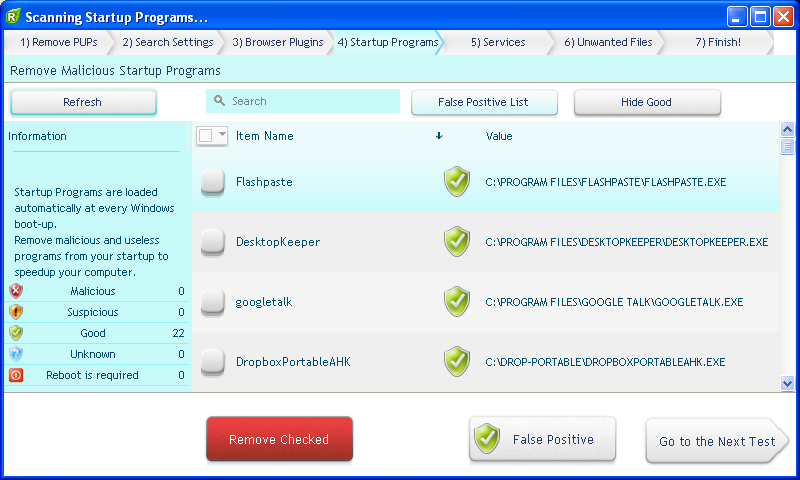
UnHackMe 7.80.0.481
The main difference between UnHackMe and other antirootkit software is its detection method. Precise double-checking for a Windows-based PC, which allows identifying and eliminating any types of malicious software. Instant tracking of malicious code in the system. UnHackMe was initially...
DOWNLOADSoftware Catalog
 Android Android |
Business & Productivity Tools |
| Desktop |
Developer Tools |
| Drivers |
Education |
| Games |
Home & Personal |
| Internet & Networking |
Multimedia & Design |
| Operating Systems |
Utilities |


AutoBatch It!
AutoBatch It! 2.17


Category:
Multimedia & Design / Image Editing
| Author: iRedSoft Technology Inc
DOWNLOAD
GET FULL VER
Cost: $49.95 USD, 34.55 EUR
License: Shareware
Size: 2.7 MB
Download Counter: 2
- Resize Images by pixels, by percentage or preset multipliers
- Create thumbnail images
- Convert images to JPEG, TIFF, BMP, PNG and GIF
- Save Progressive JPEG
- Change JPEG Quality, Smoothing ratio and Dot Per Inch (DPI)
- Add Prefix and Suffix
Requirements: Windows, 486, 16mb , 30 mb harddisk space
OS Support:
Language Support:
Related Software
Batch Image Resize | Batch Processing | Command Line | Command Line Bmp | Command Line Image | Command Line Jpeg | Command Line Jpg | Command Line Tif | Command-line | Command-line at | Image Processes | Jpeg | Prefix | Resize | Suffix | Thumbnails | Timer-based
 Batch Image Commander - Batch Image Commander is a batch image processor made for command line operation and as a System Tray Icon application for timer based operation.
 Easy Thumbnails - Create accurate thumbnails from popular picture formats with this handy freeware utility. Find and view images easily, preview your thumbnails, and use provided tools to rotate images and adjust their contrast, brightness, sharpness and compression.
 PDF To Image Converter - PDF to Image Converter Command Line is a program based on Windows platform, which allows the batch converting of large numbers of PDF files at the same time. PDF to Image Converter can be integrated into your own software applications.
 EyeBatch - EyeBatch is a powerful and intuitive batch image processor. Select from over 50 functions such as resize, convert, watermark, drop shadow, thumbnail, etc. Extraordinary previewing capabilities. May be used for single or multiple image processing.
 Media Resizer thumbnail creator - Create thumbnails and scaled copies of all your images with this powerful and flexible, yet easy to use utility. Creating image thumbnails has never been easier!
 Advanced Image Resizer - Advanced Image Resizer is a multifunctional image converter and resizer. It allow you to convert images, resize images, add watermark to images, and generate web image galleries.
 Neomesh Image Console - Neomesh Image Console is a command line image converter allowing you to convert image formats, create GIF animations, join and manipulate your images. Image Console is able to load 22 and save 17 image formats.
- Image Resizer Pro 2006 - Image Resizer Pro 2006 is a powerful and easy-to-use utility, allowing you to rapidly resize, convert, and rotate a large batch of images at a time, or even add custom watermarks on them. It supports all popular image formats.
 ReaJPEG - Image converter to JPEG - ReaJPEG is our popular image converter, allowing you to both convert and edit images from most commonly used graphic formats to JPEG. You can convert you images to JPEG either one by one or all at once as a batch job.
 Media Resizer PRO thumbnail creator - Create thumbnails and scaled copies of all your images with this powerful and flexible, yet easy to use utility. Creating image thumbnails has never been easier!
 Top Downloads
- T3D - 2D to 3D Converter
- Easy Photo Frame
- Life Photo Maker
- PhotoInstrument
- RasterVect
- ASCII Art Generator
- Amazing Photo Editor
- Algolab Raster to Vector Conversion Toolkit
- MakeUp Instrument
- IE Picture Framer

New Downloads
- reaConverter Pro
- RasterVect
- Easy Photo Frame
- PhotoInstrument
- MakeUp Instrument
- TiffSplitter
- HardCopy Pro
- IncrediFace
- Pixel Editor
- Photopus

New Reviews
- jZip Review
- License4J Review
- USB Secure Review
- iTestBot Review
- AbsoluteTelnet Telnet / SSH Client Review
- conaito VoIP SDK ActiveX Review
- conaito PPT2SWF SDK Review
- FastPictureViewer Review
- Ashkon MP3 Tag Editor Review
- Video Mobile Converter Review
Actual Software
| Link To Us
| Links
| Contact
Must Have
| TOP 100
| Authors
| Reviews
| RSS
| Submit


